AI
Explore artificial intelligence, machine learning applications, AI-powered tools, and practical guides for integrating AI technologies into web development, content creation, and automation workflows.

I Fed Brewfather's API to Claude and Built My Own MCP Server
Brewfather is a comprehensive app for homebrewers that manages recipe design, batch tracking, fermentation logs, water chemistry, and ingredient inventory, making it a central hub for homebrew recipes. An MCP (Model Context Protocol) server acts like a plugin that exposes local tools and data to an AI such as Claude, letting it call a locally run server without any cloud intermediary or custom UI. Using Brewfather’s REST API, the author fed the documentation to Claude and quickly generated a local MCP server that connects Brewfather to Claude Code. This setup enables three key capabilities: browsing and inspecting real Brewfather recipes, checking the brew schedule and batch stages, and verifying whether the ingredient inventory is sufficient for an upcoming brew day. The main benefit is turning brewing data into a conversational interface, so users can simply ask questions like whether they are ready to brew on a given day. Future extensions could include logging fermentation readings, auto-creating batches from recipes, and sending notifications as batches progress through stages.

Using the WAT Framework: Writing Sanity MCP Workflows That Make Claude Consistent and Reliable
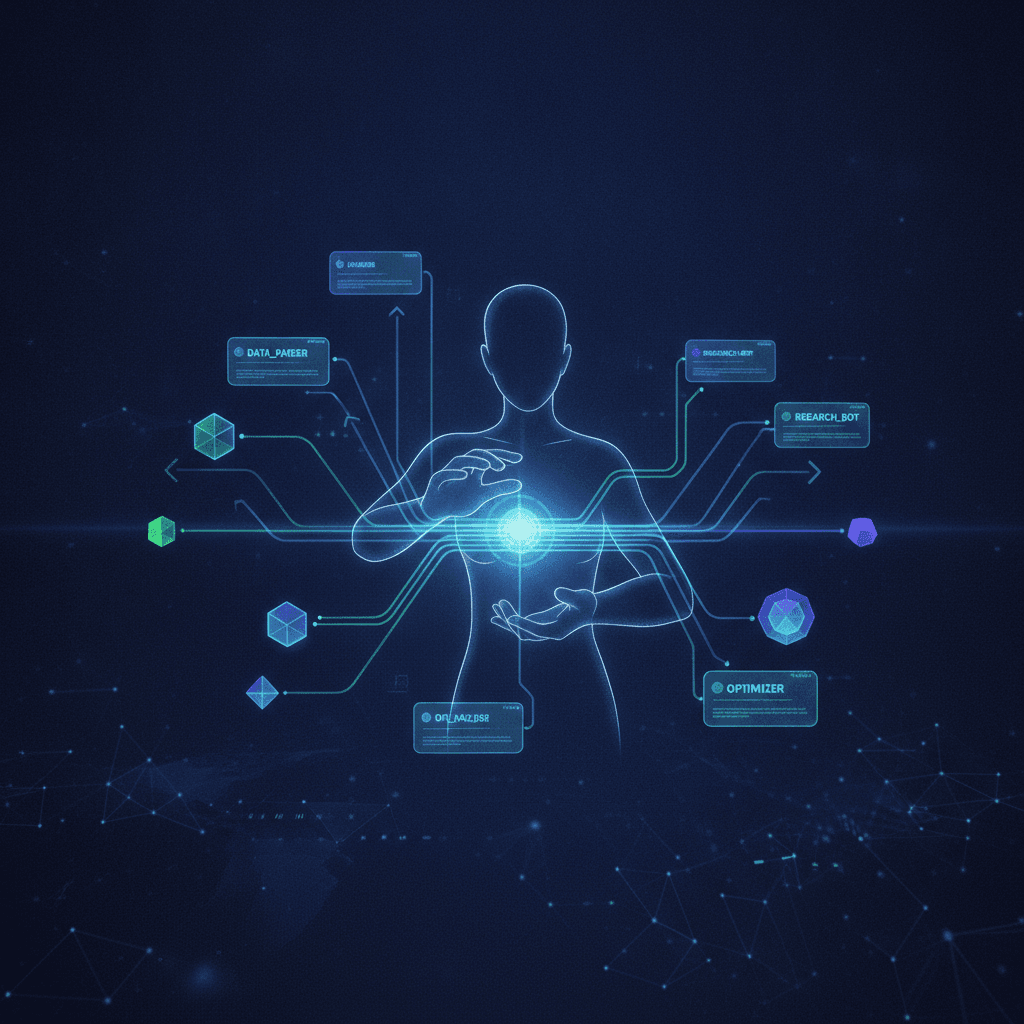
The text explains why open-ended AI instructions like “write a blog post about TypeScript” lead to inconsistent results. Because models are probabilistic, they vary structure, miss fields, and overlook edge cases, which is problematic for repetitive, structured tasks such as publishing to a CMS. To solve this, it introduces the WAT framework: Workflows, Agents, Tools. Workflows are plain-language markdown SOPs that encode domain knowledge and specify steps. Agents (Claude) handle reasoning and decisions. Tools are deterministic scripts or APIs, like the Sanity MCP, that execute actions. This separation narrows the decision space and keeps behavior consistent across sessions. A concrete example is the draft_blog_post workflow, which fetches authors and categories from Sanity, requires outline approval, and strictly defines document shape and constraints, including a 5000-byte body limit. Workflows evolve through a self-improvement loop: each failure adds new rules and edge cases. To get started, you document repeatable tasks, inputs, tools, steps, and edge cases, store them in .claude/wat/workflows/, and reuse them for faster, cheaper, and more reliable AI-assisted work.

Serving Your Blog as Markdown So AI Agents Can Actually Read It
The article explains how to serve clean Markdown versions of blog posts so AI agents can consume content without HTML noise like navigation, scripts, and cookie banners. It recommends two access patterns: appending .md to post URLs, or using an Accept: text/markdown header for content negotiation. In Next.js, rewrites in next.config.ts route both patterns to an internal /md/posts/[slug] handler. That route fetches the post from Sanity, converts it to Markdown, and returns it with a text/markdown Content-Type and short caching headers. A buildPostMarkdown helper constructs the Markdown document with a title, canonical URL, optional hero image, auto-generated summary, and body converted from Portable Text via @portabletext/markdown. Code blocks stored in Sanity as _type: "code" are correctly rendered as fenced Markdown code blocks with language tags, making them ideal for AI agents and syntax highlighters. A /posts.md index provides a machine-readable sitemap listing all posts with metadata and links, enabling agents to discover and traverse content efficiently using either the .md suffix or Accept header approach.

Content Agent: AI That Runs Content Operations at Scale
Content Agent is an AI built specifically for large-scale content operations, going far beyond traditional AI writing assistants that only handle one document at a time. It understands your content schema—including document types, fields, validation rules, and relationships—so it can transform raw source material into structured content, audit entire libraries, and execute coordinated updates across thousands of documents. Key capabilities include pipeline transformations from sources like press releases or specs into blog posts or product pages, large-scale analysis to detect missing metadata or outdated content, intelligent bulk editing for rebrands and URL changes, visual editing of images via natural language, and integrated web research to keep content accurate and current. Technically, it leverages document sets, staged changes with reviewable releases, schema-aware validation, a specialized multi-agent architecture, and direct integration with Sanity’s Content Lake. Content Agent is included in all Sanity plans and uses an AI credit system based on queries and actions, with clear examples of typical usage and tools for monitoring and controlling costs.

Building a Pixel Art Converter: From DOOM to Modern Portraits
The project began as a simple DOOM-inspired image converter, evolving into a comprehensive pixel art transformation tool. Initially inspired by DOOM's iconic color palette, the tool recreates the retro look using a 32-color palette with Euclidean distance color matching. As it developed, the tool expanded beyond DOOM aesthetics to include a Portrait palette optimized for human faces, making it suitable for profile pictures and avatars. Key features of the tool include seven color palettes: DOOM, Portrait, Skin Tones, Game Boy, PICO-8, Commodore 64, and Grayscale. It also offers Floyd-Steinberg dithering for smooth gradients, adjustable pixel scaling for a retro look, and PNG export with timestamped filenames. Built with Next.js and the Canvas API, the tool processes images through background removal, pixelation, and color reduction or palette mapping. AI-assisted development played a significant role in the project's rapid iteration and refinement, showcasing how modern tools can accelerate prototyping. The result is a practical tool that blends retro gaming aesthetics with modern web development, available for use at /image-converter.

Automating Audio Narration with Sanity Blueprints and Google Text-to-Speech
I recently developed an automated audio narration pipeline for my blog using Sanity, Next.js, and Google Cloud Text-to-Speech. The system regenerates a high-quality MP3 narration automatically whenever the blog post content changes, avoiding manual steps, wasted API calls, or infinite loops. The process relies on Sanity's native automation tools, including Blueprints, delta detection, and GROQ projections. The system reacts to content changes at the CMS level, triggering narration generation only when the blog post's body field changes. This is achieved by using Sanity's delta function to detect changes and a secure webhook to initiate the narration generation via a Next.js API route. The generated MP3 is uploaded back to Sanity and linked to the post. This ensures narration is generated only once per meaningful content change. Storing the audio in Sanity is effective for a personal blog, as it utilizes Sanity's CDN, keeps editorial state and content in one place, and eliminates the need for extra storage services. The result is a fully automated, content-driven audio system with no manual triggers, unnecessary TTS calls, or client-side secrets, providing a clean separation of concerns and scalability.

Building Event-Driven Content Automation: Auto-Summaries with Sanity Agent
This post discusses the implementation of an automatic summary generation system using Sanity's event-driven architecture. The system leverages Sanity Agent, Sanity Functions, and Blueprints to autonomously generate summaries when content is published. It consists of three main components: a Sanity Blueprint that triggers on post publication, a Sanity Function that orchestrates summary generation, and a Sanity Agent that processes content through a language model to create summaries. The event-driven architecture allows the system to react immediately to content changes, eliminating manual intervention and scaling efficiently with content volume. This approach ensures consistent and timely summary generation, enhancing content workflows. The architecture can be extended to other automated tasks like image optimization and SEO metadata generation, treating content as an active event source rather than passive data.

The AI-Driven Journey: Crafting Content with Sanity MCP
Sanity MCP is a Model Context Protocol server that connects AI assistants directly to the Sanity CMS, enabling schema-aware content creation, editing, and querying through natural language. Hosted at mcp.sanity.io and available via simple OAuth, it ships with 34 tools for document operations, schema management, image generation, semantic search, and GROQ queries, and is supported by popular AI clients like Claude Code, Cursor, VS Code with Copilot, and more. This post itself was written entirely by an AI assistant through Sanity MCP, illustrating a workflow of Human Strategy → AI Execution → Human Review → AI-assisted bulk edits → Human Approval. Real-world applications include the Sanity Content Agent for large-scale audits and transformations, Agent Actions and Sanity Functions for automated workflows, and marketing use cases like SEO landing pages, translation, and content gap analysis. The article emphasizes ethical transparency about AI-generated content and positions MCP as part of an emerging industry standard for agentic AI, where human creators are augmented—not replaced—by AI-driven, conversational content management.