I Fed Brewfather's API to Claude and Built My Own MCP Server
Last updated: 31.05.2026
I Fed Brewfather's API to Claude and Built My Own MCP Server
Audio Narration
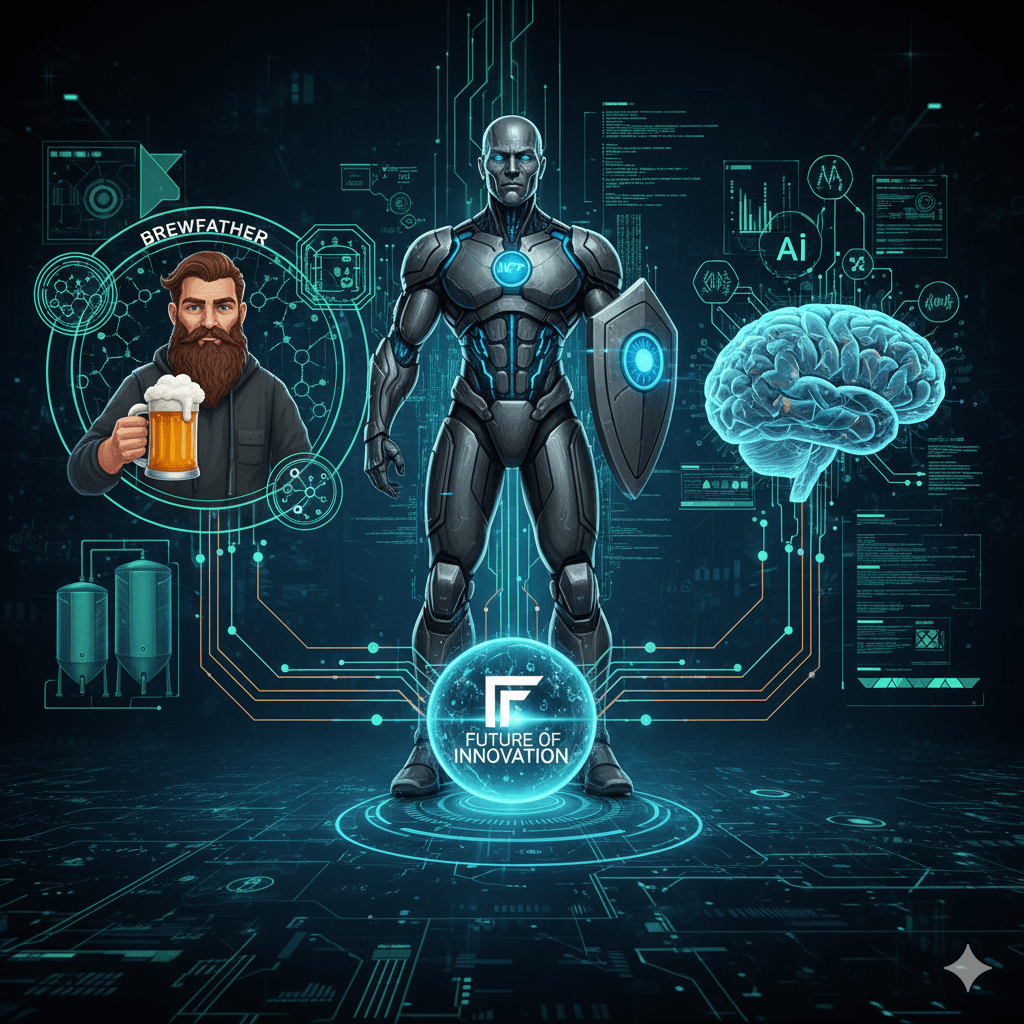
Brewfather is a comprehensive app for homebrewers that manages recipe design, batch tracking, fermentation logs, water chemistry, and ingredient inventory, making it a central hub for homebrew recipes. An MCP (Model Context Protocol) server acts like a plugin that exposes local tools and data to an AI such as Claude, letting it call a locally run server without any cloud intermediary or custom UI. Using Brewfather’s REST API, the author fed the documentation to Claude and quickly generated a local MCP server that connects Brewfather to Claude Code. This setup enables three key capabilities: browsing and inspecting real Brewfather recipes, checking the brew schedule and batch stages, and verifying whether the ingredient inventory is sufficient for an upcoming brew day. The main benefit is turning brewing data into a conversational interface, so users can simply ask questions like whether they are ready to brew on a given day. Future extensions could include logging fermentation readings, auto-creating batches from recipes, and sending notifications as batches progress through stages.
What is Brewfather?
Brewfather is the go-to app for homebrewers. It handles everything — recipe design, batch tracking, fermentation logs, water chemistry, and ingredient inventory. If you brew beer at home, there is a good chance your recipes already live there.
What is an MCP Server?
MCP stands for Model Context Protocol. It is a standard that lets you expose tools and data to an AI like Claude. Think of it as a plugin — you run a local server, and Claude can call into it during a conversation. No cloud middleman, no custom UI. Just your data, your rules.
How I Built It
Brewfather has a solid REST API. I pulled up the API documentation and fed it straight to Claude. I described what I wanted — a local MCP server that could talk to Brewfather on my behalf — and Claude generated the server code. A few tweaks later it was running locally and connected to Claude Code. The whole thing took an afternoon.
What It Can Do
Three things immediately became useful:
Browse my recipes. I can ask Claude to pull up any recipe by name, show me the grain bill, hop schedule, or yeast selection — all from my actual Brewfather library.
Check my brew schedule. The MCP can look up my batches and tell me when my next brew day is planned, what recipe it is, and what stage I am at.
Verify ingredient inventory. Before brew day I can ask Claude to check whether I have enough of everything for the recipe. It reads my inventory from Brewfather and flags anything that is running low or missing.
Why This Is Cool
The shift here is that your brewing data becomes conversational. Instead of opening the app, navigating to inventory, and cross-referencing a recipe manually — you just ask. "Am I ready to brew this Saturday?" and get a straight answer. That is the kind of practical AI utility that actually changes how you work.
What's Next
There is plenty of room to extend this. Logging fermentation readings, automatically creating new batches from a recipe, getting notified when a batch moves to the next stage. The API supports all of it. If you are a developer who also homebrews, or just curious about what you can build with MCP servers, this is a great weekend project to try.

When the Claude window runs out: my take on T3 Code
T3 Code addresses the frustration of hitting Claude’s five-hour usage limit during focused work. Rather than replacing coding agents, it provides a single desktop interface for tools such as Claude Code, Codex, Cursor, Grok Build, OpenCode, and Antigravity, with users signing in through their own accounts. Each thread remains tied to its original provider, so an unfinished Claude conversation cannot be transferred directly to Codex. However, the surrounding workspace, project, and workflow stay in one app. When a limit is reached, T3 Code identifies the restriction and reset time, allowing the user to start a new thread with another provider and quickly restate the task. The app is free and does not resell or mark up tokens, aligning its incentives with users who want to avoid unnecessary calls. Its MIT license, self-hosting support, public codebase, and more than 21,000 GitHub stars are especially important because it handles provider credentials and repository access. Although founder Theo frequently promotes the product, its transparency makes those claims easier to verify. The Linux desktop app remains young and occasional releases cause problems, but steady improvements and its ability to coordinate separate agents make it a practical solution for maintaining momentum.
Read post
Trying out autonomous agents
Sandcastle is Matt Pocock’s workflow for running Claude Code unattended inside a Docker container. It assigns the agent a GitHub issue in a git worktree, then merges the resulting commits back into the user’s branch. Its init command quickly scaffolds the infrastructure, but useful results still depend on supplying clear, focused tickets. Wayfinder fills that planning gap by breaking an idea that is too large for one session into a map issue and smaller decision tickets. Each ticket addresses a single unresolved question rather than a build segment, producing the self-contained, labeled issues Sandcastle needs. Without this map, vague issues led to equally vague pull requests. Before queueing work, the author uses a grilling skill to challenge assumptions and force difficult decisions. Resolving uncertainty early prevents the agent from making costly guesses during unattended runs. For secrets, the author replaces a plaintext .env file with Varlock and a committed .env.schema. Values are resolved through Doppler and exposed only through process.env during execution, although each secret must still be explicitly forwarded into the container configuration. The author would use the setup again but stresses that ticket quality remains decisive. Every diff is still reviewed, tasks stay tightly scoped, and fully unattended overnight operation remains a future goal.
Read post