The npm Heist: How Supply Chain Attacks Work (and Why pnpm Stops Most of Them)
Last updated: 26.06.2026
The npm Heist: How Supply Chain Attacks Work (and Why pnpm Stops Most of Them)
Audio Narration
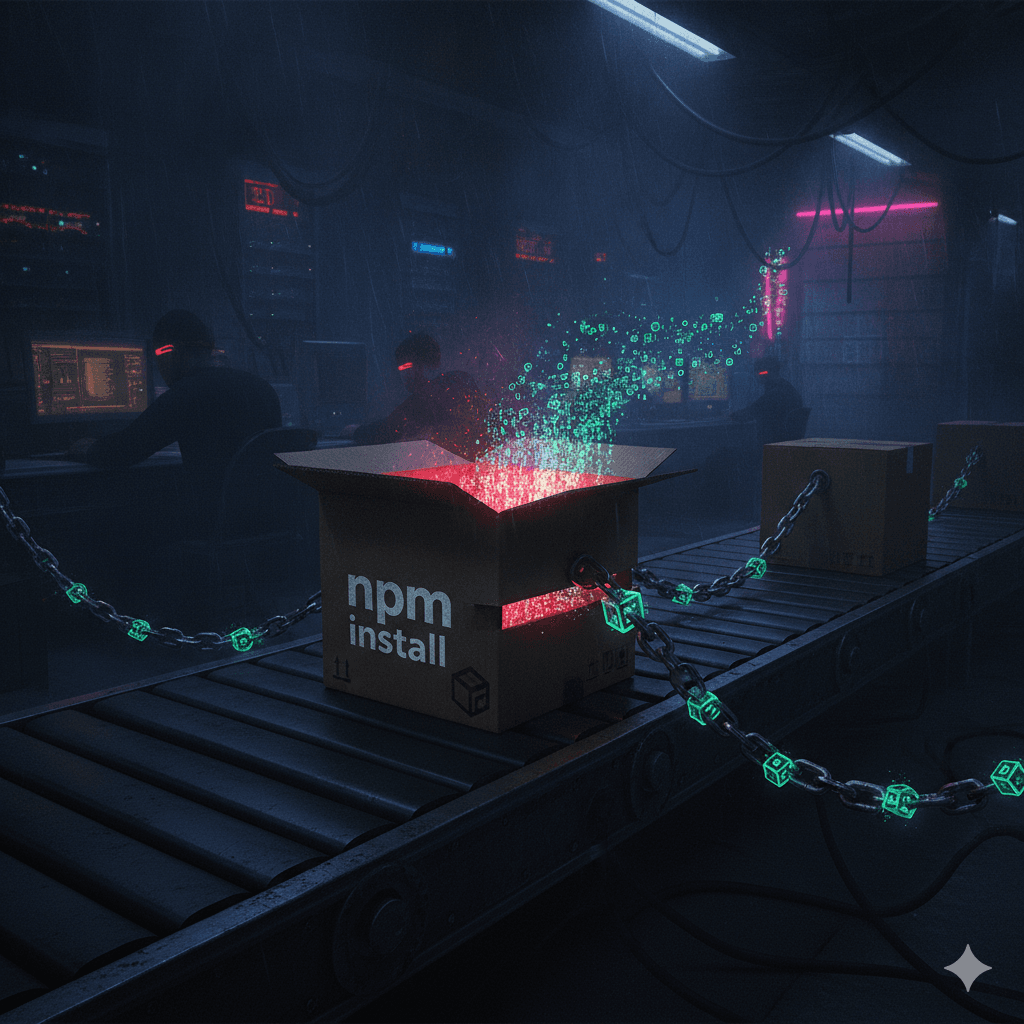
The npm ecosystem has become a major attack surface, with over 454,600 new malicious packages detected in 2025 and high-profile compromises like Axios, Mini Shai-Hulud, and Red Hat-related packages in 2026. Attackers typically phish maintainer credentials, publish a malicious version, and execute payloads via lifecycle scripts or exotic transitive dependencies, often before the community can react. pnpm doesn’t use a different registry but adds a protective policy layer via pnpm-workspace.yaml that evaluates packages before any code runs. Four key rules dramatically reduce risk: minimumReleaseAge blocks packages published in the last 24 hours, stopping fresh backdoors; blockExoticSubdeps prevents transitive dependencies from git URLs or raw tarballs; allowBuilds restricts which packages may run lifecycle scripts; and trustPolicy: no-downgrade ensures new dependencies must be explicitly trusted before scripts execute. A recommended config includes minimumReleaseAge: 1440, blockExoticSubdeps: true, strictDepBuilds: true, trustPolicy: no-downgrade, and a small allowBuilds list. Combined with committing and pinning pnpm-lock.yaml and running pnpm audit on every PR, these measures significantly raise the security bar for JavaScript supply chains.
The Year the Registry Became a Battlefield
In 2025, researchers tracked over 454,600 new malicious npm packages — a 75% jump year over year. In March 2026, Axios (100M weekly downloads) was hijacked by a North Korean actor who pushed a remote access trojan into developer machines worldwide. In May, Mini Shai-Hulud compromised 170 packages across npm and PyPI. In June, 32 @redhat-cloud-services packages were poisoned with Miasma. The registry is no longer safe without rules.
How the Attacks Actually Work
Meet Alex. He runs npm install on a Friday to pull in a new dependency. The package was published 20 minutes ago by a maintainer whose credentials were phished the night before. A postinstall script exfiltrates environment variables and opens a reverse shell. Alex goes home for the weekend. The attacker does not.
The attack playbook is consistent: steal maintainer credentials via phishing, publish a malicious version, and hide the payload in a lifecycle script or a transitive dependency pulled from a git URL or raw tarball. By the time the package is flagged, CI pipelines everywhere have already executed it.
Enter pnpm — Same Registry, Smarter Rules
pnpm uses the same npm registry as npm and yarn. It has no safer catalog. What it has is a policy layer in pnpm-workspace.yaml that enforces rules before a single byte of a package executes — sitting between the registry and your node_modules.
The Four Rules That Would Have Saved Alex
1. minimumReleaseAge: 1440
This refuses any package version published less than 1440 minutes (24 hours) ago. The Axios backdoor was flagged within hours of publication — this rule would have blocked Alex's install outright. pnpm 11 enables it by default.
2. blockExoticSubdeps: true
Mini Shai-Hulud hid payloads in transitive dependencies pulled from git repos and raw tarballs. This setting blocks any transitive dependency not sourced from the npm registry. Also enabled by default in pnpm 11.
3. allowBuilds allowlist
Lifecycle scripts are how most payloads execute. allowBuilds defines an explicit list of packages permitted to run build scripts. Anything not on the list runs silent — no postinstall, no preinstall, no RATs.
4. trustPolicy: no-downgrade
New packages must be explicitly approved before their lifecycle scripts can run. Packages already in your lockfile keep their trust level, but a newly added compromised dependency cannot silently gain script execution rights.
A pnpm-workspace.yaml You Can Copy Today
Add this to your pnpm-workspace.yaml and commit it alongside your lockfile:
minimumReleaseAge: 1440
blockExoticSubdeps: true
strictDepBuilds: true
trustPolicy: no-downgrade
allowBuilds:
- esbuild
- sharp
- node-sass
What pnpm Cannot Do Alone
These settings are a strong first wall, not a complete fortress. Always commit and pin pnpm-lock.yaml so every developer and CI job installs the exact same bytes. Run pnpm audit on every PR. And remember: if your own account is phished, these rules protect others from you — not the other way around.
Conclusion
The npm registry is a public commons built on trust, and attackers have been exploiting that trust at scale. pnpm's workspace settings give every team a low-friction way to raise the bar significantly. Four lines of YAML won't stop every attack — but they would have stopped most of the real ones from 2025 and 2026. Alex could have gone home that Friday without a care.

Trying out autonomous agents
Sandcastle is Matt Pocock’s workflow for running Claude Code unattended inside a Docker container. It assigns the agent a GitHub issue in a git worktree, then merges the resulting commits back into the user’s branch. Its init command quickly scaffolds the infrastructure, but useful results still depend on supplying clear, focused tickets. Wayfinder fills that planning gap by breaking an idea that is too large for one session into a map issue and smaller decision tickets. Each ticket addresses a single unresolved question rather than a build segment, producing the self-contained, labeled issues Sandcastle needs. Without this map, vague issues led to equally vague pull requests. Before queueing work, the author uses a grilling skill to challenge assumptions and force difficult decisions. Resolving uncertainty early prevents the agent from making costly guesses during unattended runs. For secrets, the author replaces a plaintext .env file with Varlock and a committed .env.schema. Values are resolved through Doppler and exposed only through process.env during execution, although each secret must still be explicitly forwarded into the container configuration. The author would use the setup again but stresses that ticket quality remains decisive. Every diff is still reviewed, tasks stay tightly scoped, and fully unattended overnight operation remains a future goal.
Read post
Securing My Blog's Secrets with Varlock and Doppler
The author describes the security risks of traditional .env files in Next.js projects: secrets stored in plain text on local machines, duplicated across environments, and easily exposed through accidental commits or misconfigured deployments. Varlock is introduced as a structured, schema-based replacement for dotenv, using a committed .env.schema file that defines variable types, requirements, and sensitivity without storing actual secrets. It integrates with Next.js as a drop-in replacement for @next/env, providing TypeScript types, startup validation, sensitivity-aware client bundling, and log redaction. Doppler is chosen as the secrets provider for its generous free tier, clean dashboard, environment configs, and especially its native Vercel sync, which keeps secrets updated without tokens or runtime API calls. Locally, Varlock’s exec() calls the Doppler CLI to fetch secrets in memory; in production, Vercel’s environment variables are used directly, with the same schema validating both paths. Benefits include zero secrets on disk, early configuration error detection, automatic sensitivity handling, and an AI-friendly schema. The author would skip Varlock’s Doppler plugin next time and rely solely on the CLI-based exec() approach despite a small startup performance cost.
Read post