6 Claude Power Prompts That Change How You Build
Last updated: 30.06.2026
6 Claude Power Prompts That Change How You Build
Audio Narration
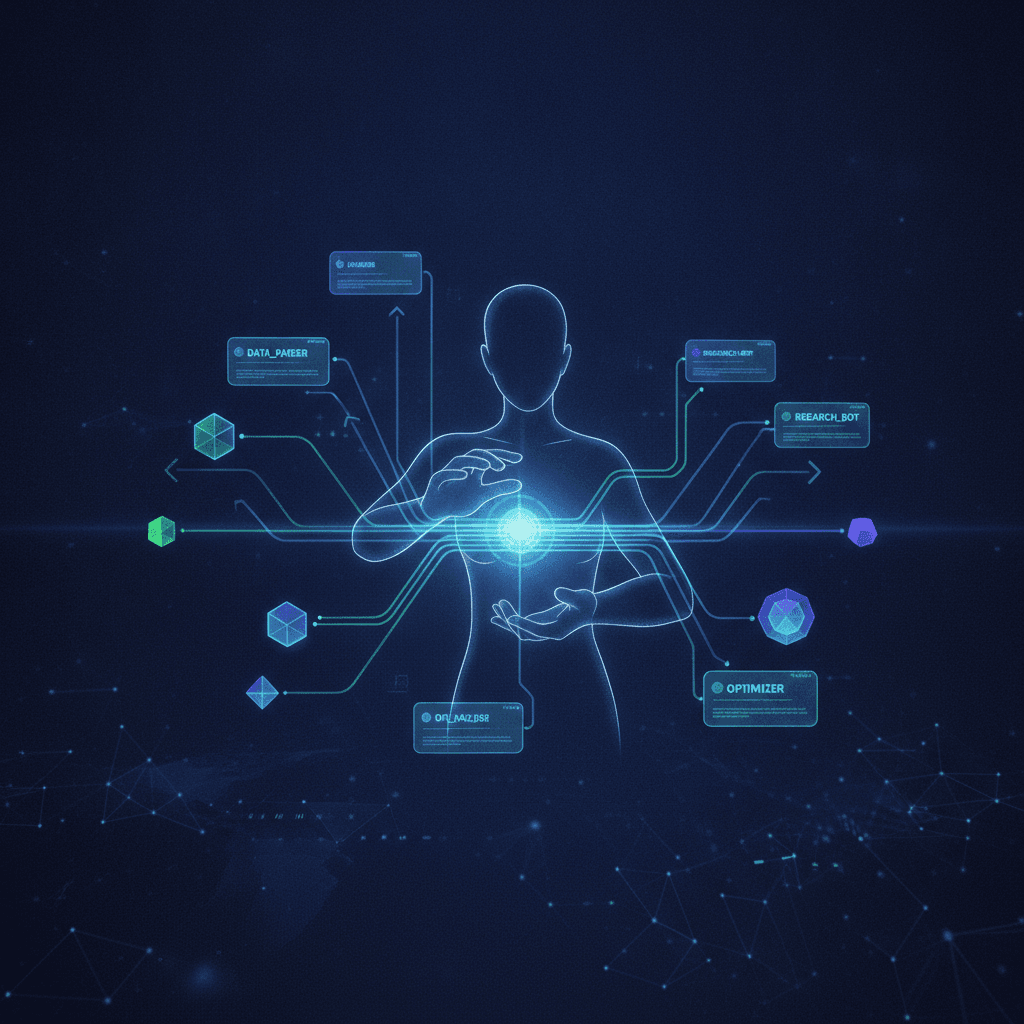
Most people use Claude as a smarter search engine, but it can be a disciplined collaborator if you structure your prompts. The article outlines six patterns to unlock this mode. First, launch subagents to split work: one checks brand tone, another reviews code, a third drafts copy, each operating independently to avoid context bleed. Second, write a spec before coding, clarifying purpose, scope, and key decisions while changes are still cheap. Third, have Claude interview you first to surface hidden assumptions, co-create a spec, and get approval before implementation. Fourth, define how success will be verified upfront, then actually run that check afterward, especially for sensitive systems like payments or auth. Fifth, convert productive sessions into a reusable SKILL.md, including gotchas so lessons persist beyond the chat. Sixth, once a workflow is proven through manual runs, automate it via scripts, cron jobs, or CI. All six follow a meta-pattern: plan → build → verify → learn → automate, shifting you from just prompting Claude to designing how it works with you.
Most people use Claude like a smarter search engine. You paste in a problem, it spits out an answer, and you move on. But there's a different mode — one where Claude behaves like a disciplined collaborator. These six prompts unlock that mode.
1. Launch Subagents
Instead of asking Claude to do everything in one shot, split the task and run parallel agents. One checks brand voice, another handles code review, a third writes the copy. Each works in isolation and reports back — no cross-contamination of context, no one agent's assumptions bleeding into another's.
"Launch three subagents. Agent 1: check the brand tone. Agent 2: review the code. Agent 3: draft the announcement. Each reports back independently."
2. Write a Spec First
Before writing a single line of code, have Claude write a spec: what does it do, who is it for, what's explicitly out of scope, and what are the key decisions at each step. Don't build yet.
The cost of changing a spec is near zero. The cost of changing code already wired into other systems is not. Force alignment before momentum.
3. Interview Me First
Instead of jumping to implementation, ask Claude to interview you first. It surfaces assumptions you didn't know you were making, works through key decisions collaboratively, then reflects back a spec for your approval — before writing any code.
"Before you build anything, ask me questions to surface assumptions. Work through key decisions with me. Then write a spec and get my approval before proceeding."
4. Verify Before & After
State upfront how success will be measured, then run that check when the work is done. For sensitive areas — payment logic, auth, database migrations — require explicit approval and a blast radius explanation before any change is made.
"Before starting: state in one sentence how you'll verify this is correct. After finishing: run that check and report the result. Do not claim success without running it."
5. Build a Skill From This Chat
After any productive session, ask Claude to crystallize the lessons into a reusable SKILL.md. Include a gotcha section — the thing that tripped you up this time — so it never trips you up again.
Skills survive beyond the conversation. They become part of how Claude works with you by default, without re-explaining context every time.
6. Automate This
Once a workflow is proven — you've run it manually, verified it works, and know the edge cases — wrap it into a script, cron job, or CI step. The manual process becomes the blueprint; the automation becomes the default.
"We've run this three times and it works. Write a script that does the same thing with error handling for the edge cases we hit. Then set it up as a cron job."
The Meta-Pattern
These six prompts follow a single loop: plan → build → verify → learn → automate. Start with a spec, build with verification baked in, extract the lessons, then remove yourself from the loop where it makes sense.
The shift is subtle but significant: you stop being the person who prompts Claude, and start being the person who designs how Claude works.
When the Claude window runs out: my take on T3 Code
T3 Code addresses the frustration of hitting Claude’s five-hour usage limit during focused work. Rather than replacing coding agents, it provides a single desktop interface for tools such as Claude Code, Codex, Cursor, Grok Build, OpenCode, and Antigravity, with users signing in through their own accounts. Each thread remains tied to its original provider, so an unfinished Claude conversation cannot be transferred directly to Codex. However, the surrounding workspace, project, and workflow stay in one app. When a limit is reached, T3 Code identifies the restriction and reset time, allowing the user to start a new thread with another provider and quickly restate the task. The app is free and does not resell or mark up tokens, aligning its incentives with users who want to avoid unnecessary calls. Its MIT license, self-hosting support, public codebase, and more than 21,000 GitHub stars are especially important because it handles provider credentials and repository access. Although founder Theo frequently promotes the product, its transparency makes those claims easier to verify. The Linux desktop app remains young and occasional releases cause problems, but steady improvements and its ability to coordinate separate agents make it a practical solution for maintaining momentum.
Read post
Trying out autonomous agents
Sandcastle is Matt Pocock’s workflow for running Claude Code unattended inside a Docker container. It assigns the agent a GitHub issue in a git worktree, then merges the resulting commits back into the user’s branch. Its init command quickly scaffolds the infrastructure, but useful results still depend on supplying clear, focused tickets. Wayfinder fills that planning gap by breaking an idea that is too large for one session into a map issue and smaller decision tickets. Each ticket addresses a single unresolved question rather than a build segment, producing the self-contained, labeled issues Sandcastle needs. Without this map, vague issues led to equally vague pull requests. Before queueing work, the author uses a grilling skill to challenge assumptions and force difficult decisions. Resolving uncertainty early prevents the agent from making costly guesses during unattended runs. For secrets, the author replaces a plaintext .env file with Varlock and a committed .env.schema. Values are resolved through Doppler and exposed only through process.env during execution, although each secret must still be explicitly forwarded into the container configuration. The author would use the setup again but stresses that ticket quality remains decisive. Every diff is still reviewed, tasks stay tightly scoped, and fully unattended overnight operation remains a future goal.
Read post